





Scenario Construction and Interaction Design of Virtual Simulation Experimental Teaching Platform for High Voltage Power Supply
High voltage power supply education presents unique challenges due to the hazardous nature of high voltage, the cost of equipment, and the complexity of the underlying physics. Traditional laboratory instruction with actual high voltage equipment carries significant safety risks and requires specialized facilities with appropriate safety infrastructure. Virtual simulation platforms offer an alternative approach that enables students to explore high voltage power supply concepts and operation without the associated risks and costs. The construction of realistic scenarios and the design of effective interaction mechanisms determine the educational value of these virtual platforms.
Virtual simulation platforms for high voltage education combine mathematical models of power supply behavior with interactive graphical interfaces that allow students to configure, operate, and troubleshoot virtual power supplies. The simulation models capture the electrical behavior including voltage and current relationships, transient responses, and fault conditions. The graphical interface presents the power supply in a realistic visual format with controls and displays that mirror actual equipment. The combination enables experiential learning where students develop practical skills through virtual practice.
Scenario construction involves creating specific learning situations that target particular educational objectives. Each scenario presents a context that motivates the learning activity and provides a framework for the student actions. Scenarios may focus on power supply design, where students select components and configure parameters to meet specified requirements. Operation scenarios have students control a power supply to achieve particular output conditions or respond to changing load requirements. Troubleshooting scenarios present power supplies with faults that students must diagnose and correct.
Design scenarios challenge students to make the engineering decisions involved in specifying a power supply for an application. The scenario presents application requirements including voltage range, current capability, stability requirements, and environmental conditions. Students select topology, components, and parameters to meet these requirements. The simulation evaluates the design against the requirements and provides feedback on the performance. Iteration allows students to refine their designs based on the feedback.
Operation scenarios develop the skills needed to control power supplies in practical applications. Students learn to interpret displays, adjust controls, and monitor performance indicators. The scenarios can include normal operation sequences such as startup, output adjustment, and shutdown. They can also present abnormal situations requiring appropriate responses, such as responding to overload indications or managing thermal limitations. The scenarios build the operational competence that transfers to actual equipment operation.
Troubleshooting scenarios develop diagnostic skills by presenting power supplies with various faults. The faults may include component failures, parameter drift, connection problems, or control system errors. Students observe the symptoms, form hypotheses about the fault location, perform diagnostic tests, and implement corrections. The scenarios can include faults that would be dangerous or expensive to create in actual equipment, such as catastrophic component failures or insulation breakdown.
Interaction design determines how students engage with the virtual power supply and receive feedback on their actions. The interaction mechanisms should be intuitive and responsive, allowing students to focus on the educational content rather than struggling with the interface. Controls should behave like their physical counterparts, with appropriate response characteristics. Displays should present information in familiar formats that students will encounter with actual equipment.
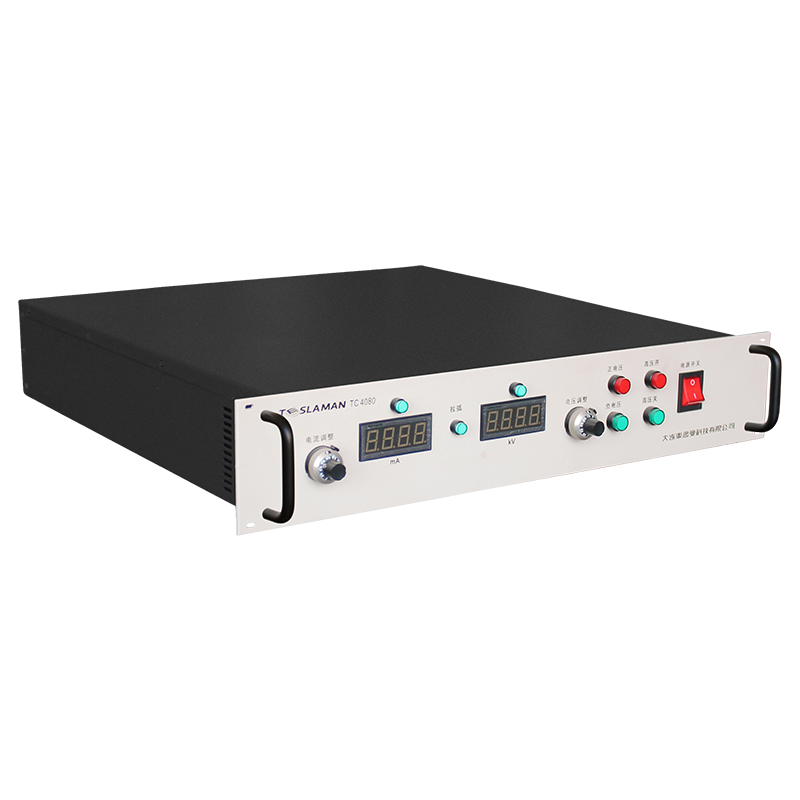
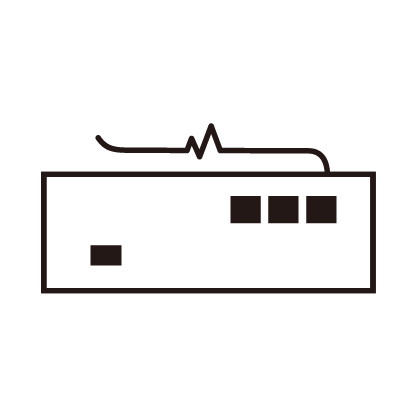
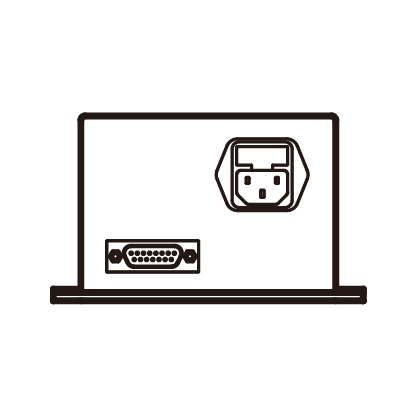
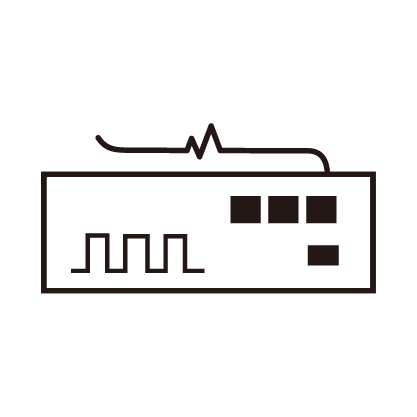
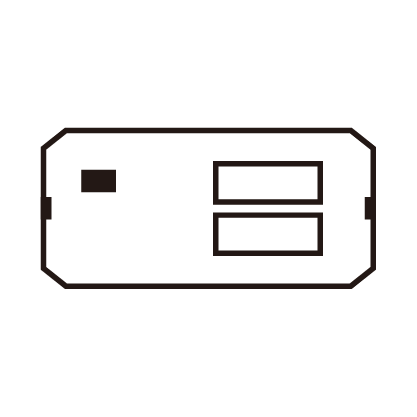
Visual fidelity in the simulation interface supports transfer of learning to actual equipment. Realistic rendering of power supply panels, controls, and displays creates a visual environment that resembles the physical equipment. The visual presentation should include the details that are relevant for operation, such as control knob positions, indicator lights, and meter readings. Less relevant visual details can be simplified to focus attention on the operationally significant elements.
Haptic feedback, providing force or tactile sensations through the interface, can enhance the realism of control interactions. Simulated controls with haptic feedback can reproduce the feel of turning knobs, flipping switches, or pressing buttons. This feedback adds a sensory dimension that reinforces the motor skills involved in equipment operation. While not essential for learning the concepts, haptic feedback can improve the transfer of procedural skills.
Simulation fidelity determines how accurately the virtual power supply reproduces the behavior of actual equipment. High fidelity simulations capture detailed behavior including transient responses, non ideal effects, and fault conditions. Lower fidelity simulations may use simplified models that capture the essential behavior without the computational cost of detailed simulation. The appropriate fidelity depends on the learning objectives, with higher fidelity needed for scenarios involving subtle effects or troubleshooting.
Assessment mechanisms within the platform evaluate student performance and provide feedback. Automated assessment can check whether students achieve target conditions, follow correct procedures, or correctly identify faults. The assessment can track the sequence of student actions, identifying errors or inefficiencies in the approach. Feedback can be immediate, providing guidance during the scenario, or delayed, providing a summary after completion.
Instructor tools enable customization and monitoring of the learning experience. Instructors can create new scenarios or modify existing ones to target specific learning objectives or to address observed student difficulties. Monitoring tools allow instructors to observe student progress, identify common problems, and provide targeted assistance. Analytics from the platform can inform instructional decisions and curriculum development.
Accessibility considerations ensure that the platform serves students with diverse needs. The interface should be compatible with assistive technologies for students with visual or motor impairments. Alternative interaction modes can accommodate different learning styles or physical limitations. The content should be available in multiple languages for international students.